









 New Code Sent!
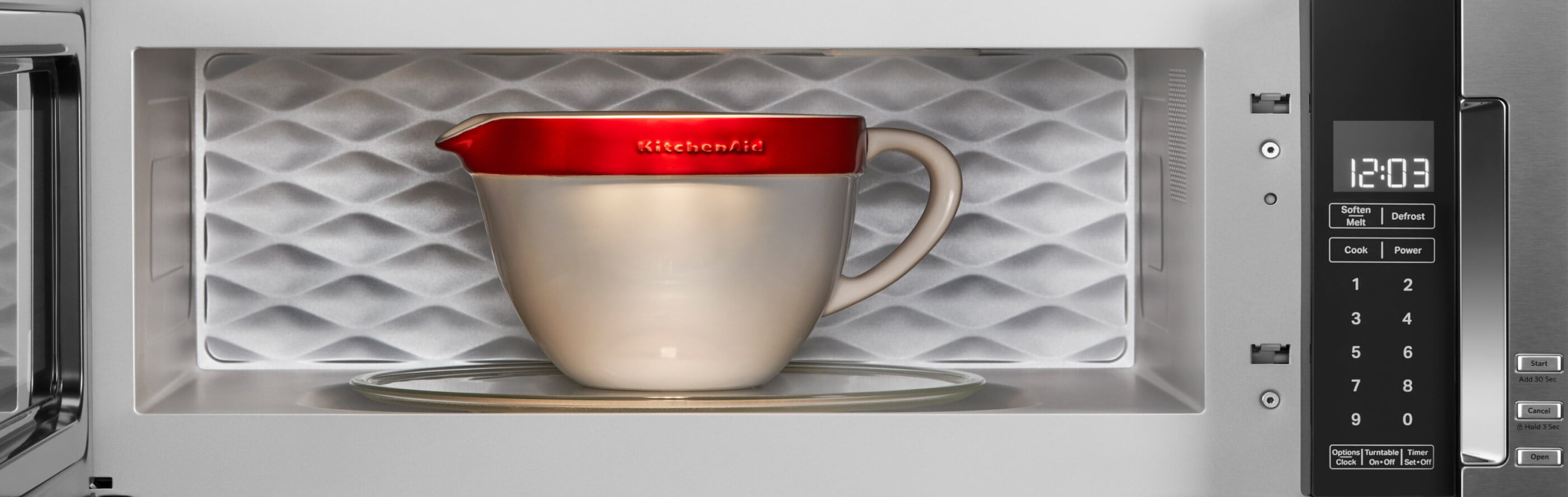
Quiet microwave 101: how to mute a microwave
Whether you’re aiming to create a peaceful atmosphere, preserve the ambiance of a social gathering or just want to stay focused, muting a microwave can come in handy. Don’t worry if you don’t see a mute button on the control panel, your microwave may be capable of more than meets the eye and there might be shortcuts to silence the noise.
Use the guide below to learn possible ways to silence microwave beeps. Learn the step-by-step process of silencing KitchenAid® countertop, over-the-counter and under-counter microwaves, and find out what to do if you don’t see a microwave mute button.


Do all microwaves have a silent mode?
Not all microwaves have an obvious mute option, but modern models are often designed with muting in mind. While many microwaves don’t have a button solely dedicated to muting all sounds, there’s often still a way to do it. Check your owner’s manual to find out if your microwave has shortcuts to help you mute some—if not all—beeps and tones.


How do you turn off the sound on a microwave?
Some microwaves feature a dedicated sound button, often marked with a speaker icon or the word "sound." Others offer sound control through the settings menu or by holding down certain function or number buttons. You may be able to mute end-of-cycle and button beeps, or silence all sounds entirely.
How to mute a KitchenAid® microwave
Muting your KitchenAid® microwave is a great way to reduce stimulation in the kitchen. Since the steps to mute microwaves can vary by type, it’s best to check your owner’s manual for specific instructions. Below you’ll find general steps to silencing KitchenAid® countertop, over-the-range and under-counter microwaves.
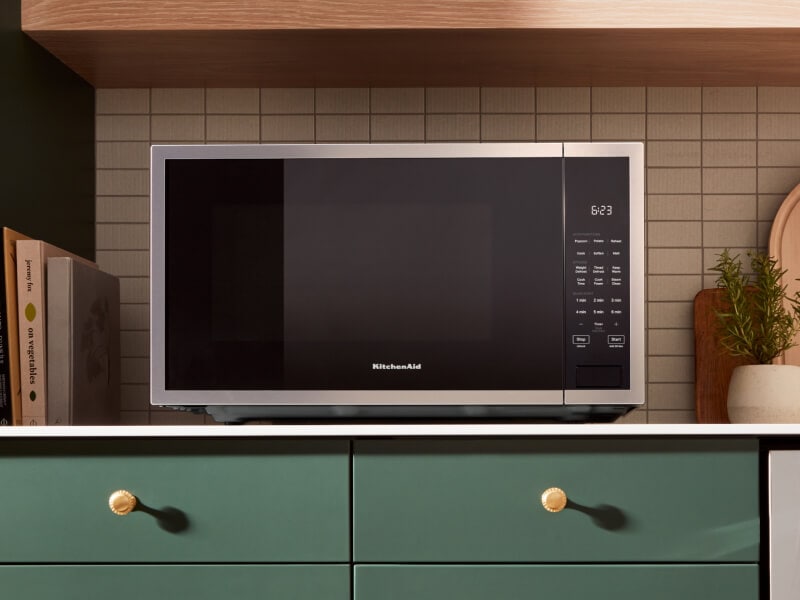
How to mute KitchenAid® countertop microwaves
KitchenAid® countertop microwaves come equipped with a shortcut that lets you quickly turn all the sounds on or off. This includes everything from button beeps and alarms to end-of-cycle alerts and warnings. Follow the steps below to adjust your sound settings.
Press and hold the Steam Clean button for five seconds.
Listen for confirmation tones, which may sound like two rapid beeps.
To unmute, press and hold the Steam Clean button for five seconds.
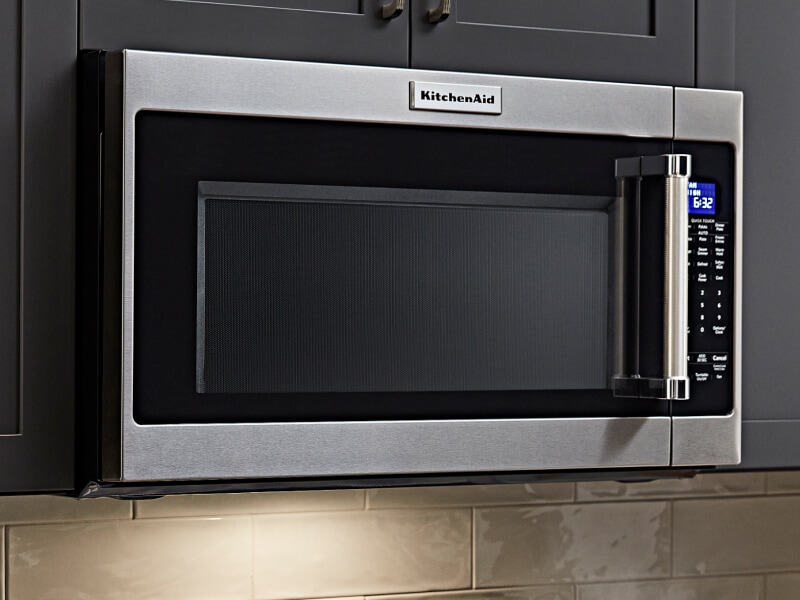
How to mute KitchenAid® over-the-range microwaves
With a KitchenAid® over-the-range microwave, you can choose to mute the beeps that sound every time you press a button (programming tones), or silence all tones, including the end-of-cycle sound. Follow the steps below to customize your sound settings.
Select Options/Clock on the microwave control panel.
Navigate to the Sound submenu.
Follow the prompts to turn off the programming tones or all tones.
To unmute, select Options/Clock, navigate to the Sound submenu, and switch either programming tones or all tones back on.
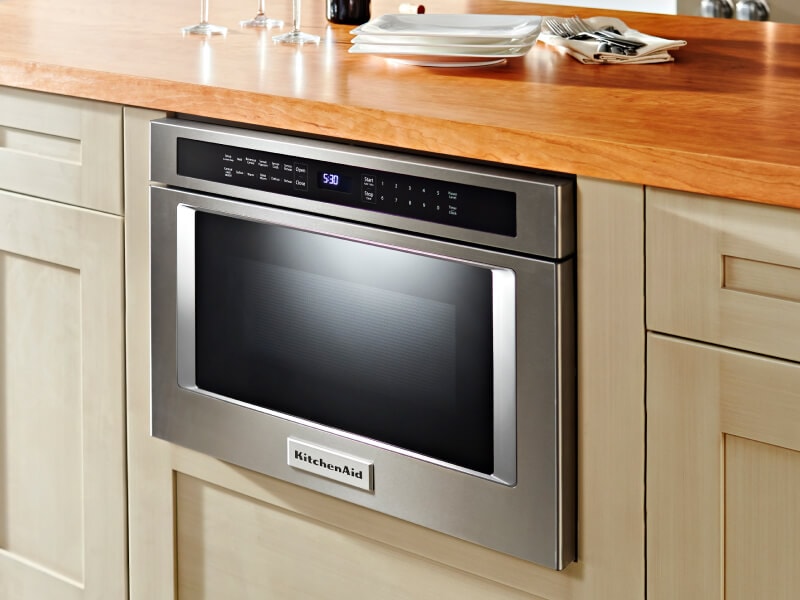
How to mute KitchenAid® under-counter microwaves
Kitchenaid® under-counter microwaves let you silence end-of-cycle tones that go off when your food is done or reminder tones that sound every 10 seconds after a completed cycle, so you can enjoy a little more peace in the kitchen. See the steps below to mute your microwave.
To mute end-of-cycle tones, press the Setup button twice, then select Start.
To mute reminder tones, press the Setup button three times, then select Start.
To unmute tones, press the Setup button two or three times, depending on the tone you want to select, then select Start.
Shop KitchenAid® microwaves you can mute
KitchenAid® microwaves are designed to enhance both the look and feel of your kitchen—as well as the sound. Keep your kitchen looking and sounding the way you want with elegant finishes paired with thoughtful craftsmanship, designed to help you mute any unwanted beeps and tones. Select models also feature satin crosshatch textured handles for a comfortable grip and precision glass touch controls for an elevated user experience. Plus, the easy-to-clean PrintShield™ Finish resists smudges and fingerprints so you can spend more time cooking and less time cleaning up.


How to silence a microwave without a sound button
If your microwave doesn’t have a dedicated sound button, you may still be able to silence it by exploring the settings menu or pressing and holding a certain number or function button on the control panel. Take a look at your owner's manual to see if there’s a shortcut to mute beeps or alerts. Or simply browse through the Settings menu on the microwave itself—there may be an option to adjust or turn off the sound there.
Explore KitchenAid® microwaves with advanced cooking technology
KitchenAid® microwaves go beyond reheating dishes. Crispwave™ Technology on select models allows the microwave to be used for grilling, frying and convection cooking, using a specially designed crisper pan to brown, crisp and pan-fry foods. Plus, multifunction oven modes on select models replace a convection or toaster oven, freeing up counter space by elevating your baking, roasting, broiling and toasting.
Explore more from KitchenAid brand


Your subscription was successful
Thank you for signing up. Keep an eye on your inbox for our next newsletter.
Stay Connected – Join the List
Enjoy articles like this? Get helpful guides and appliance care tips sent straight to your inbox.

